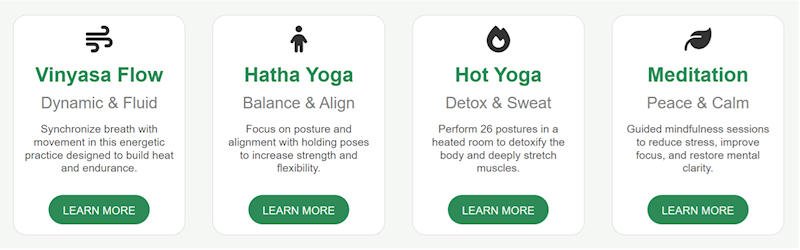
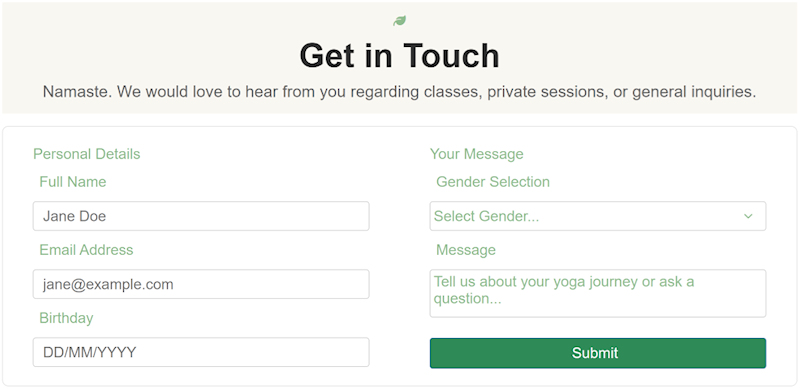
Create a new website using AI (text-to-website or image-to-website)
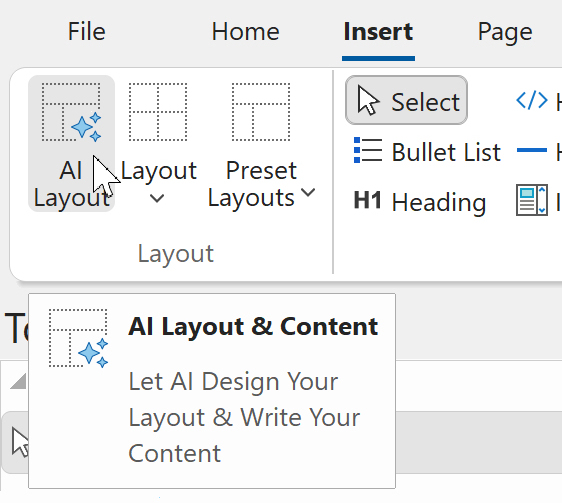
Added the ability to create a new website via text-to-website or image-to-website.
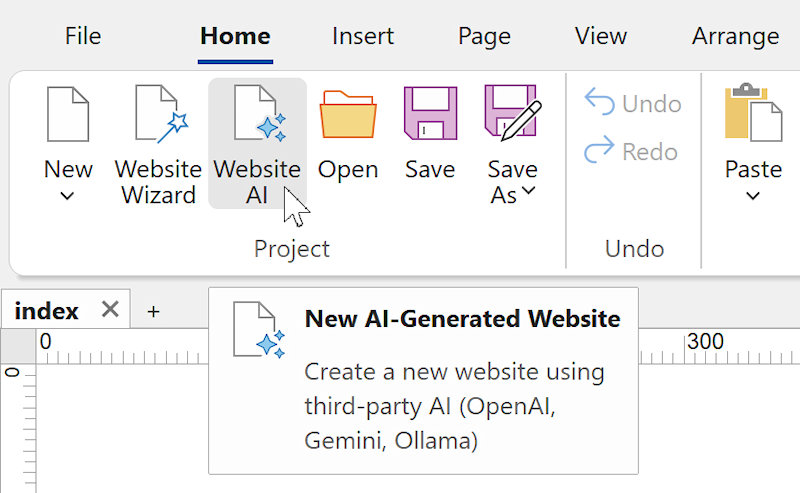
WYSIWYG Web Builder already offered several quick ways to start a new project, such as using Blocks, selecting a Template, or using the Website Wizard.
With this update, we are introducing an entirely new workflow: Website AI.
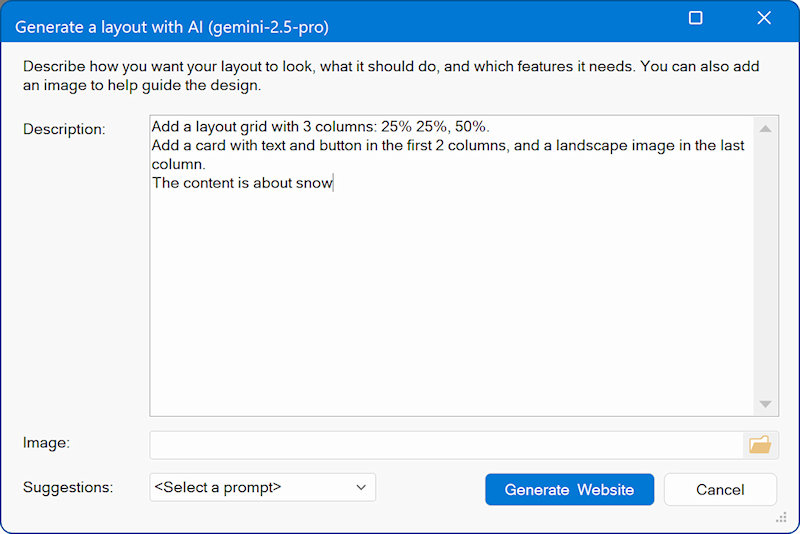
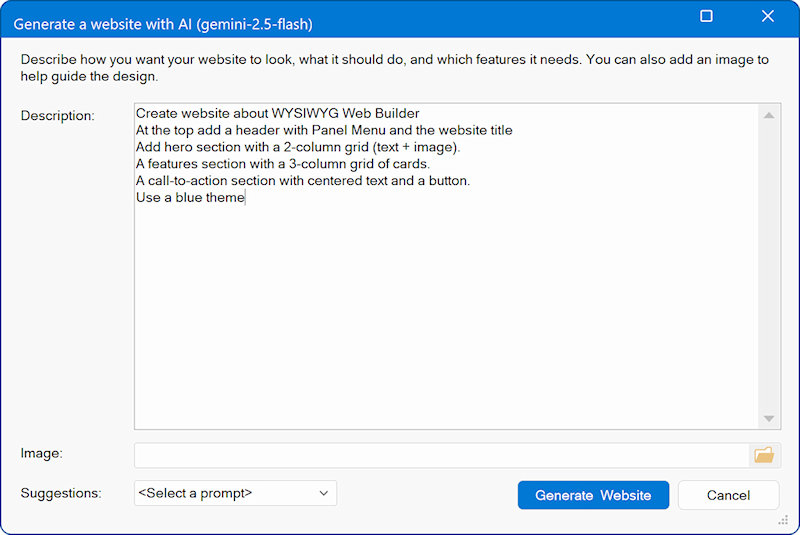
The new Website AI feature allows you to create a fully structured website using only natural-language instructions, powered by third-party AI providers such as OpenAI, Google Gemini, Ollama or LM Studio (local, free).
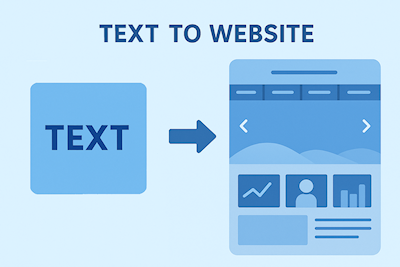
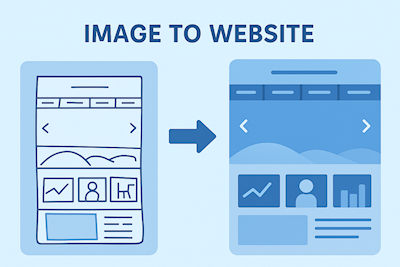
Simply describe the layout, content, colors, components, or overall design style you want. You can even upload an optional reference image, such as a sketch, wireframe, or mood board to guide the visual direction.
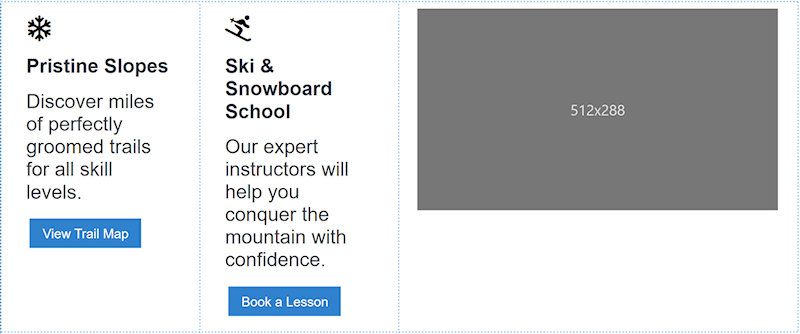
Once submitted, your description is sent to the selected AI model. The AI generates detailed layout instructions, which Web Builder uses to automatically construct a complete website based on your specifications.
The generated website may include one or multiple pages, and supports a wide range of elements, such as:
• Text blocks and headings
• Image placeholders with different aspect ratios (16:9, 4:3, 3:2, 1:1 etc)
• Layout grids
• Cards and content sections
• Buttons and interactive components
• Navigation menus (single or multi-level) and links
• Styling like font size, colors, backgrounds and borders
• Forms with customizable fields
• Custom scripts, JavaScript or PHP
• More features will be supported in upcoming updates
This new tool enables designers, developers, and beginners alike to prototype full websites quickly, creatively, and without manual layout work all from a simple text description.
Examples
1. Very Simple Prompt
“Create a one-page website about my bakery with a short welcome text and a picture placeholder.”
2. Simple / Medium Prompt
“Build a small website for a local dog-walking service with a home page, an ‘about me’ section, and a contact form. Use friendly colors like light blue and green and include icons for phone and email.”
3. Medium Prompt
“Design a two-page website for a fitness coach. The home page should have a hero section, a list of services, and a testimonials section. The second page should contain a booking form. Use bold colors like black, red, and white.”
4. Advanced Prompt
“Create a modern portfolio site for a freelance photographer. Include a homepage with a large hero banner, a gallery section with 12 placeholder images, an ‘about’ page, and a contact page with a form. Use minimalist colors (white, dark gray, gold) and a clean grid-based layout.”
5. Highly Detailed / Complex Prompt
“Generate a multi-page website for a tech startup. Include pages for Home, Product, Pricing, Blog, and Contact. The home page needs a hero section with a short pitch, three feature cards, a comparison table, and a call-to-action. The Product page should include a step-by-step diagram and FAQs. The Blog page should have a list of article previews. Use a professional color scheme (navy, white, cyan). Add icons for features and a detailed contact form with fields for name, email, company, and message.”

 Special Launch Offer